Tater Satellites

Give every room ears, a voice, and a beat.

Tater turns supported voice hardware into room-aware satellites for natural conversation, local wake detection, timers, announcements, and synchronized whole-home music.

9supported devices
3firmware families
Localwake detection
Sendspinmulti-room audio
Supported hardware

Pick the shape that fits the room.

Support is tied to the exact boards and generations below. Similar-looking hardware may use different chips, flash layouts, or recovery paths.

Family 01 · Tater Native

Purpose-built ESP32-S3 satellites.

Official native firmware connects directly to Tater—no YAML and no per-device firmware editing. Tater owns pairing, settings, wake words, diagnostics, and OTA updates.

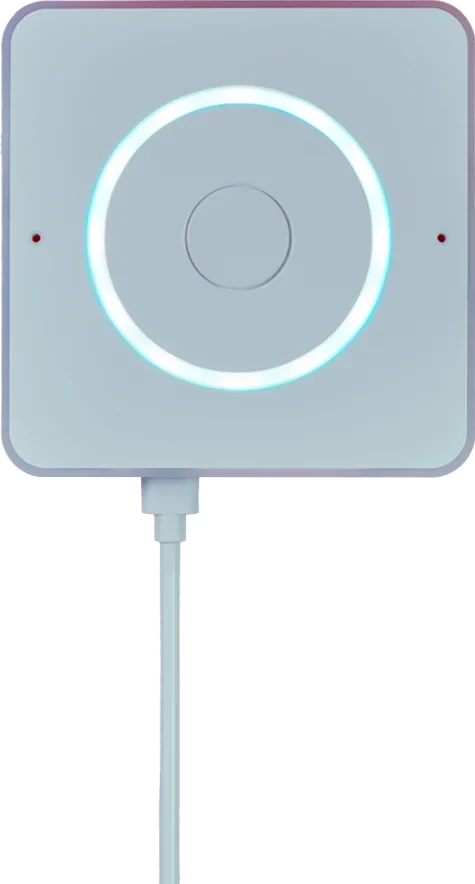
Top view of the Home Assistant Voice Preview Edition
voicepe

Home Assistant Voice Preview Edition

Compact voice hardware with an XMOS audio front end, dual microphones, an LED ring, a volume dial, and a physical microphone-mute switch.

16 MBHardware AEC3.5 mm output
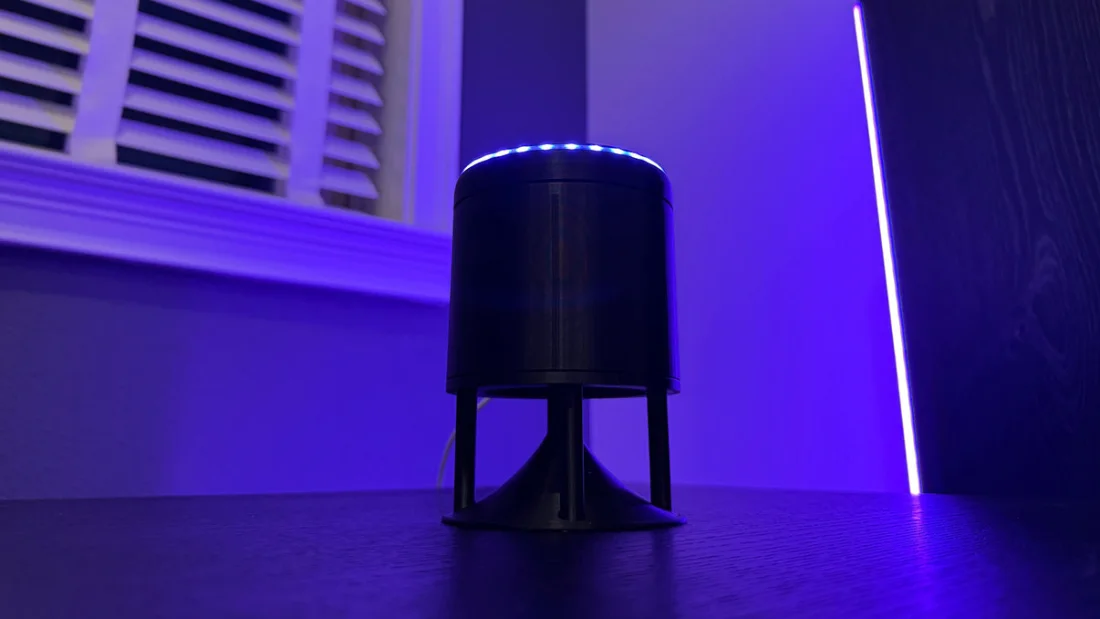
Satellite1 voice assistant with its illuminated top ring
satellite1

Satellite1 / Sat1

Supported from Public Batch #1 Beta.1/rev4.1 onward, with a four-microphone XMOS front end, 24-pixel ring, volume controls, and internal or AUX output.

16 MB4 microphonesAUX + internal
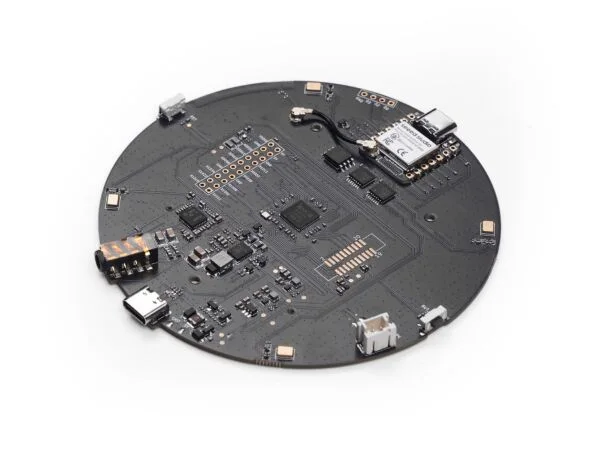
Seeed Studio ReSpeaker XVF3800 circular microphone board
respeaker_xvf3800

ReSpeaker XVF3800

A four-microphone XMOS platform with direction-of-arrival telemetry, hardware mute, a 12-pixel ring, and a dedicated 8 MB Tater firmware layout.

8 MB4 microphonesXMOS DoA
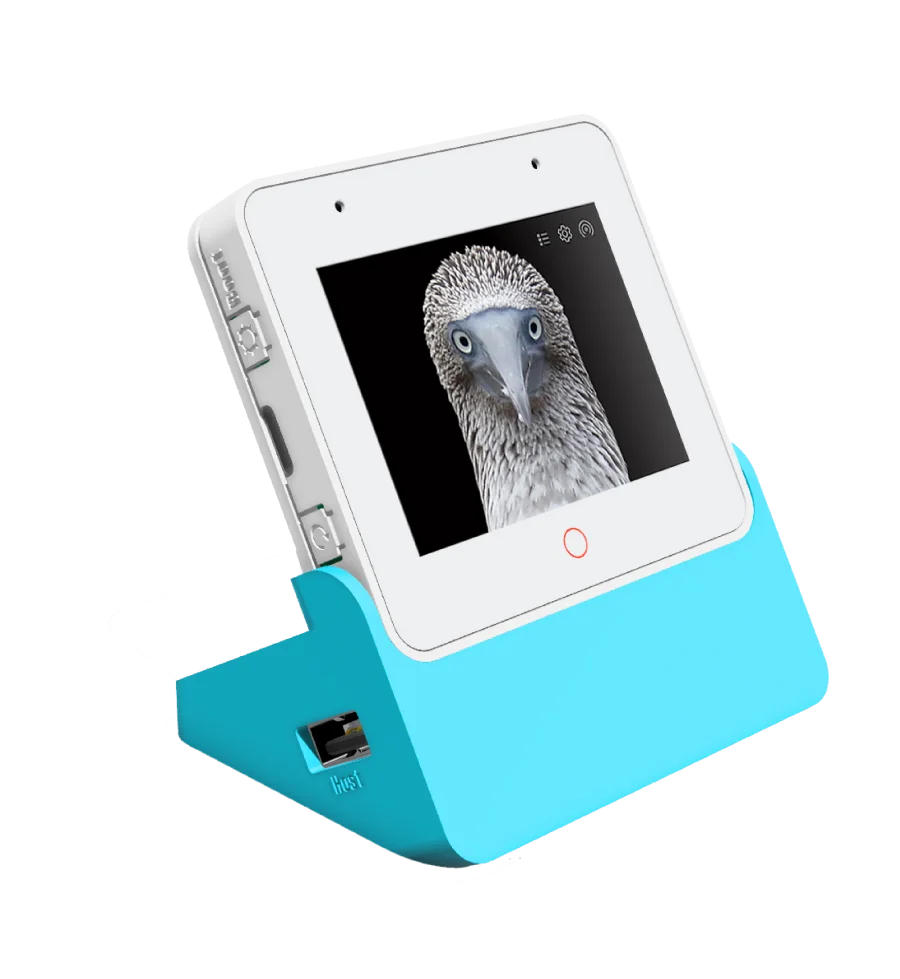
ESP32-S3-BOX-3 mounted in its blue desktop dock
s3_box

ESP32-S3-BOX-3 Display

A 320 × 240 display satellite for voice, clock and status cards, timers, volume and mute state, OTA progress, and Tater-provided display feeds.

16 MB320 × 240 displayDual microphones
Family 02 · Tater Echo

Give exact unlocked Echo models a private second life.

Tater replaces the voice application on supported hardware with native wake detection, audio processing, displays or LEDs, controls, Bluetooth features, Sendspin, and verified OTA updates.

Exact models only. Each device must complete the documented amonet unlock for its codename before installing Tater firmware.
biscuit

Echo Dot 2nd Generation (2016)

Tater emOS Factory + OTA
radar

Echo 2nd Generation (2017)

Tater emOS Factory + OTA
checkers

Echo Show 5 1st Generation (2019)

Tater Linux Factory + OTA
rook

Echo Spot 1st Generation (2017)

Tater Linux Factory + OTA
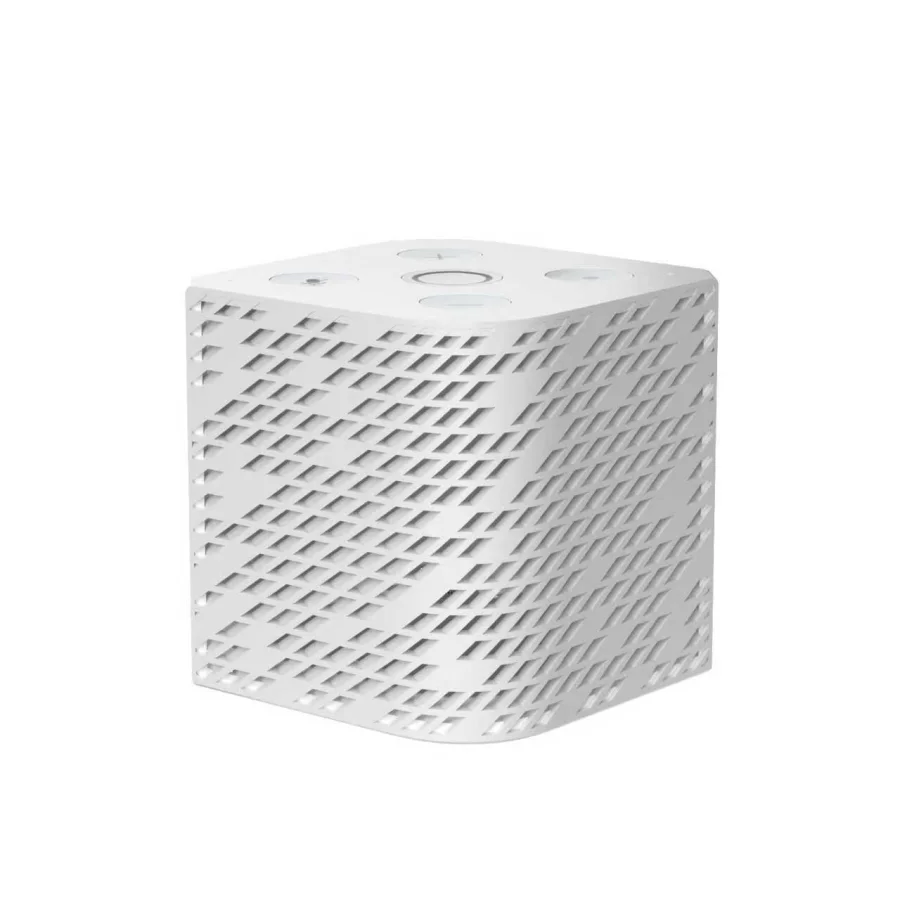
ThirdReality Voice and Music Assistant S420
Family 03 · ThirdReality s420

ThirdReality Voice & Music Assistant.

The Amlogic A113X/S420 model runs Tater Linux Voice with local wake detection, playback-reference AEC, room pairing, hardware controls, passive BLE presence, Sendspin, audio scenes, and signed OTA.

Amlogic S420 256 MB RAM 512 MB NAND Sendspin

First install: the ThirdReality debug board is required for factory flashing or recovery. Routine updates preserve pairing and settings over OTA; browser USB flashing is not supported for this model.

One Tater experience

Different hardware. The same room-aware layer.

Capabilities vary by board, but every supported family is designed around the same native Tater pairing, voice, playback, and update flow.

01

Local wake words

Wake detection stays on the satellite, with built-in and custom models managed centrally from Tater.

02

Room context

The device supplies its room and identity so lights, cameras, speakers, and follow-up listening land in the right place.

03

Sendspin playback

Build synchronized multi-room groups and stereo pairs, then let Tater speech step in and return the speaker cleanly.

04

Timers + intercom

Run local timers, announcements, push-to-talk or intercom hooks, and continued conversations from room hardware.

05

Managed updates

Install official builds, inspect firmware state, and deliver routine OTA updates from Tater after the first setup.

06

Presence signals

Supported radios can observe nearby BLE advertisements for room-level presence, sensors, and automations.

From hardware to room

Flash once. Pair from the setup network. Manage it in Tater.

01

Install the exact build

Use Tater's browser flasher for supported ESP32-S3 boards, or follow the device-specific factory guide for Echo and ThirdReality hardware.

02

Join Tater Setup

On first boot, connect to Tater-Setup-XXXX and enter Wi-Fi, your Tater URL, device name, room, and pairing code.

03

Tune it centrally

Use Tater Voice to manage wake words, sensitivity, volume, LEDs or displays, stereo pairs, diagnostics, and future OTA updates.

Hardware names and product imagery belong to their respective owners and are shown only to identify compatibility. Sources: Home Assistant, FutureProofHomes, Seeed Studio, Espressif, and the official Tater firmware repositories.